Write pseudocode
the Cambridge
way

Pseudo Pro is a desktop IDE built for Cambridge O and A Level Computer Science students. Proper syntax highlighting, live execution with interactive input, multi-tab file management — everything you need to practise, nothing you don't.
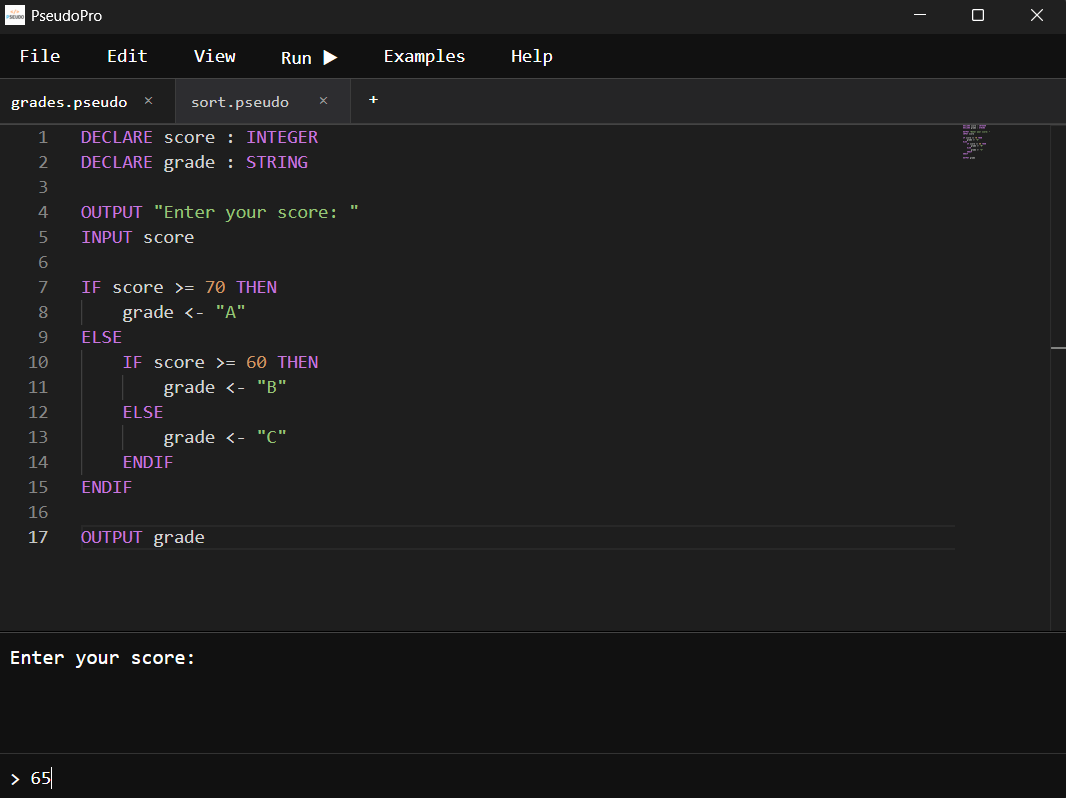
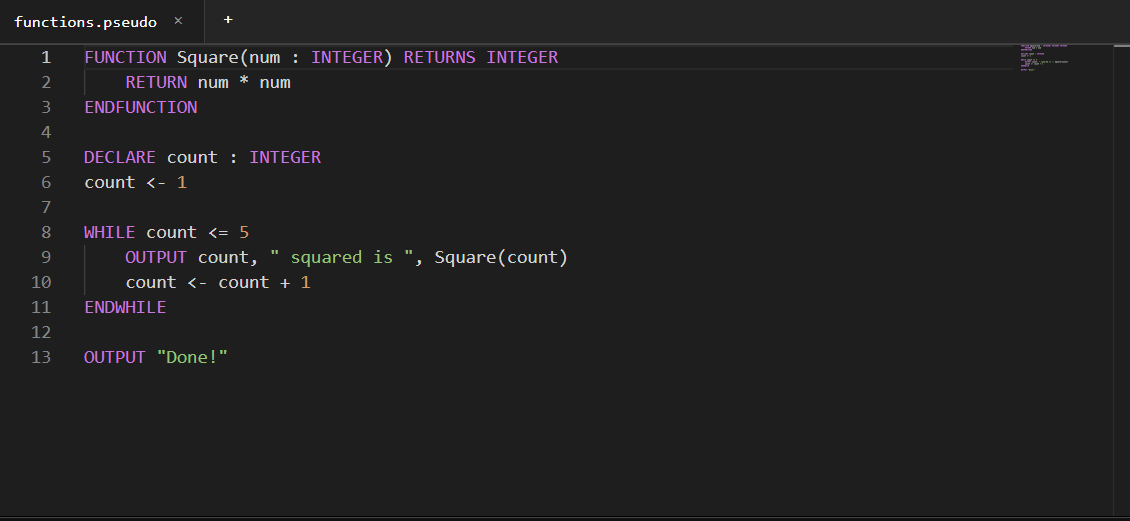
Pseudo Pro IDE screenshot
Syntax Highlighting
💡 Pseudocode Autocomplete
▶️ Live Execution
💬 Interactive INPUT
📄 Multi-Tab Editing
📁 File Management
⚠️ Error Reporting
🌙 Dark Theme
⌨️ Keyboard Shortcuts
// Feature Showcase

A real IDE for pseudocode

Click through each feature to see exactly what Pseudo Pro can do.

VS Code like IDE

Pseudo Pro is built on the same engine that powers VS Code. That means a professional editing experience right out of the box, with a custom Cambridge pseudocode language layer on top.

  • Custom syntax highlighting for every Cambridge keyword
  • Strings, numbers, variables and comments each get their own distinct colour
  • Pseudocode autocomplete — start typing any keyword and accept suggestions instantly
  • Dark theme designed for long study sessions, with line numbers and smooth cursor
Pseudo Pro editor screenshot

Live terminal with interactive INPUT

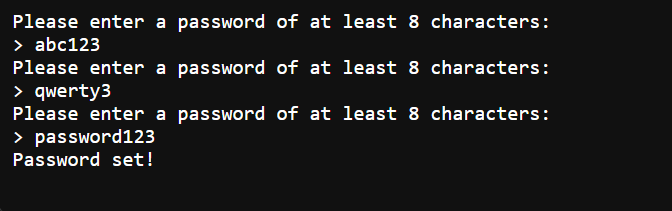
When you run your pseudocode, output streams to the terminal in real time. If your program uses INPUT, execution pauses and waits — you type your answer and the program continues exactly as it would in a real run.

  • Real-time output as your program executes line by line
  • Fully interactive INPUT — program pauses, you type, it continues
  • Clear error messages that tell you exactly what went wrong and on which line
  • Exit code shown on completion so you know the program finished cleanly
Pseudo Pro terminal screenshot

Multi-tab file management

Work on multiple pseudocode files at once. Tabs show which files have unsaved changes, and closing a file warns you before anything is lost. A dedicated workspace folder keeps your saved files organised.

  • Multiple open tabs — switch between files without losing your place
  • Modified-file indicator (*) on any tab with unsaved changes
  • Unsaved-change warning when you close or quit
  • New, Open, Save, Save As, and Close — all available
  • Supports .pseudo and .txt files
  • Dedicated saved/ workspace folder keeps everything in one place
Pseudo Pro file management screenshot
// Watch it Work

What is Pseudo Pro?

// Complete Feature List

Everything that's in the IDE

Every feature implemented in the current version of Pseudo Pro.

Editor
  • Custom pseudocode syntax highlighting
  • Pseudocode autocomplete
  • Dark and Light theme
  • Multiple tabs
  • Modified-file indicators
  • Unsaved-change warnings
  • Clipboard operations
  • Keyboard shortcuts
File Management
  • .pseudo and .txt file support
  • File management
  • Dedicated saved/ workspace folder
Execution
  • Pseudocode interpreter
  • Terminal output
  • Interactive INPUT
  • Interpreter runs in a thread
  • Error reporting